Rotate the globe with a mouse or finger. Select a country to see its data.
Interactive world atlas
Explore the interactive Equal Earth world map
Rotate the globe, select any mapped country or territory, and compare its real footprint with population, density, GDP and other source-labelled indicators. EqualAtlas combines an interactive 3D globe with equal-area and Mercator views so the effect of a projection is visible rather than abstract.
How to use the map
Drag the globe to travel around the world, use search to find a place, or select a country directly. Change the data layer to compare countries with a consistent legend, then open the country profile for its values, reference years and source notes.
Equal Earth and Mercator
Equal Earth is an equal-area projection: relative areas remain proportional, making country-size comparisons more honest. Mercator preserves local angles and is useful for navigation, but greatly enlarges places toward the poles. Switch between both flat views to inspect that difference.
What the atlas shows
The map covers 238 countries and territories and connects geography with mapped area, population, population change, density, GDP, GDP per person and life expectancy. Missing observations remain visibly unavailable; they are never treated as zero.
Popular country explorations
Open the country profiles people are currently exploring, then return to the globe to compare every place at one consistent scale.
Build a responsive, advertisement-free map embed with a chosen country, indicator and projection. Attribution and source links remain visible inside the map.

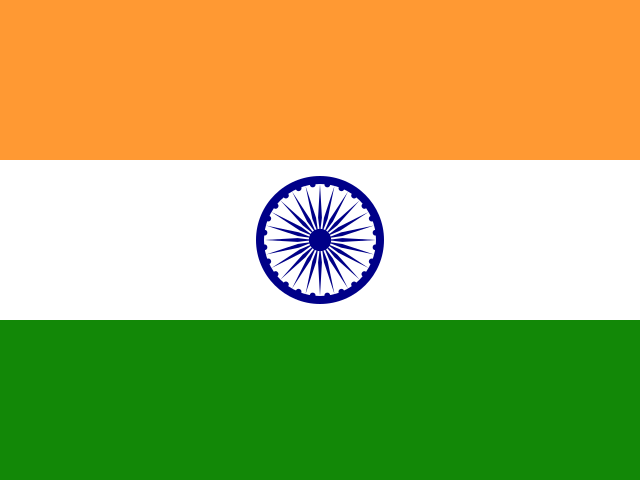 India
India